
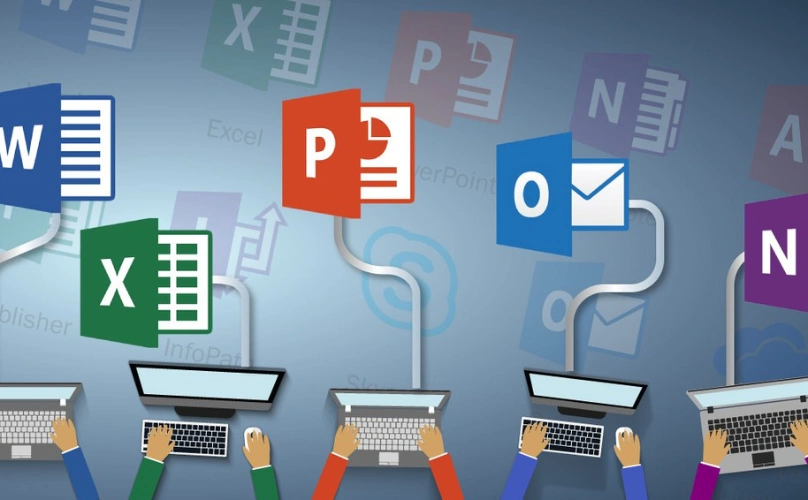
MS Office skills are essential for students, job seekers, professionals, entrepreneurs, and anyone who wants to work efficiently with digital documents and business data. A practical course in MS Office — Word, Excel & PowerPoint helps learners master essential office tools for professional and academic use, including document creation, spreadsheets, data management, presentations, formulas, and productivity techniques. The training focuses on real-world tasks so learners can confidently use Microsoft Office applications in classrooms, offices, businesses, and day-to-day work.
Key areas covered include:
Microsoft Word: Create, edit, format, and manage professional documents, reports, letters, resumes, tables, headers, footers, and page layouts.
Microsoft Excel: Work with spreadsheets, organize data, create tables, apply formulas, use functions, sort and filter information, and prepare basic reports.
Data Management: Learn efficient methods for entering, organizing, analyzing, and presenting structured information accurately.
Microsoft PowerPoint: Design clear and professional presentations using slides, themes, images, charts, transitions, animations, and presentation tools.
Formulas & Functions: Understand commonly used Excel formulas and functions for calculations, summaries, and everyday data analysis.
Productivity Techniques: Improve speed and efficiency using shortcuts, templates, formatting tools, and smart Office features.
Professional Application: Practice tasks commonly required in schools, colleges, offices, administration, sales, HR, and business environments.
With hands-on practice, learners can master essential office tools for professional and academic use, including document creation, spreadsheets, data management, presentations, formulas, and productivity techniques, helping them improve accuracy, efficiency, digital confidence, and workplace readiness.
 More Courses